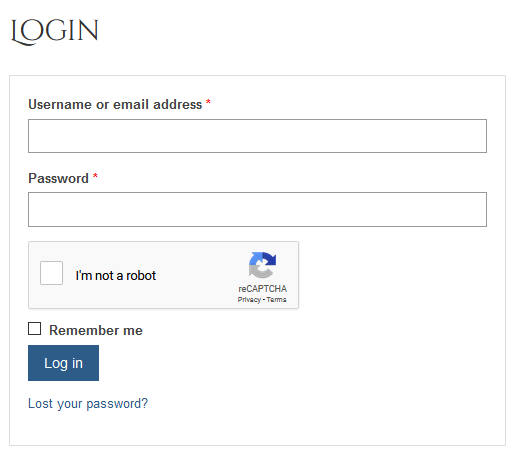
The reCAPTCHA is a tool that is used to help prevent bots and fake accounts from accessing the website. Typically you might see the reCAPTCHA in two places. One is when you attempt to login to your account and the other is when you are trying to finalize your order. This should show up as a checkbox next to the words "I'm not a robot" (pictured below). Sometimes when checking the box a series of pictures will pop up asking you to identify something (all pictures with traffic lights, fire hydrants, buses). Just follow the instructions and the reCAPTCHA will complete correctly.
If the reCAPTCHA is not appearing but you are getting a message that you need to fill it out, it's possible that your browser is loading a cached version of the page. In order to fix this we recommend clearing your cache (sometimes called site data, this is different than your browsing history) and completely closing out your browser and starting fresh with a new browser session.
Comments
0 comments
Please sign in to leave a comment.